• Skip to primary navigation
  • Skip to main content
  • Skip to footer

Citadel Guardian WiFi Security

Your Digital Fortress

  • Home
  • About Us
  • Contact Us
  • Block Examples
  • Landing Page
You are here: Home / news / Welcome to the Gutenberg Editor

Welcome to the Gutenberg Editor

March 4, 2026 by Andy Leave a Comment

Of Mountains & Printing Presses

The goal of this new editor is to make adding rich content to WordPress simple and enjoyable. This whole post is composed of pieces of content—somewhat similar to LEGO bricks—that you can move around and interact with. Move your cursor around and you’ll notice the different blocks light up with outlines and arrows. Press the arrows to reposition blocks quickly, without fearing about losing things in the process of copying and pasting.

What you are reading now is a text block the most basic block of all. The text block has its own controls to be moved freely around the post…

… like this one, which is right aligned.

Headings are separate blocks as well, which helps with the outline and organization of your content.

A Picture is Worth a Thousand Words

Handling images and media with the utmost care is a primary focus of the new editor. Hopefully, you’ll find aspects of adding captions or going full-width with your pictures much easier and robust than before.

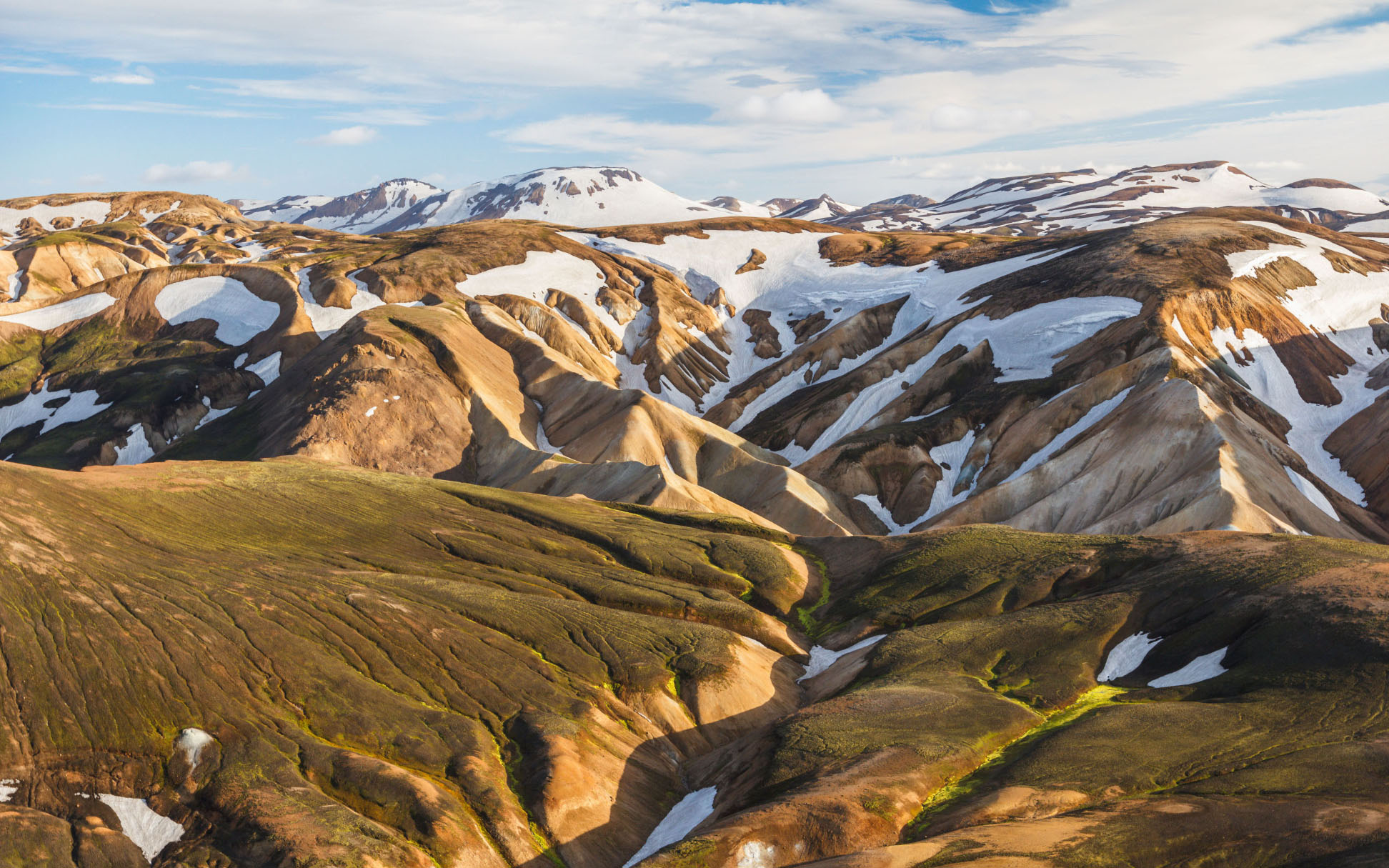
Beautiful landscape
If your theme supports it, you’ll see the “wide” button on the image toolbar. Give it a try.

Try selecting and removing or editing the caption, now you don’t have to be careful about selecting the image or other text by mistake and ruining the presentation.

The Inserter Tool

Imagine everything that WordPress can do is available to you quickly and in the same place on the interface. No need to figure out HTML tags, classes, or remember complicated shortcode syntax. That’s the spirit behind the inserter—the (+) button you’ll see around the editor—which allows you to browse all available content blocks and add them into your post. Plugins and themes are able to register their own, opening up all sort of possibilities for rich editing and publishing.

Go give it a try, you may discover things WordPress can already add into your posts that you didn’t know about. Here’s a short list of what you can currently find there:

  • Text & Headings
  • Images & Videos
  • Galleries
  • Embeds, like YouTube, Tweets, or other WordPress posts.
  • Layout blocks, like Buttons, Hero Images, Separators, etc.
  • And Lists like this one of course 🙂

Visual Editing

A huge benefit of blocks is that you can edit them in place and manipulate your content directly. Instead of having fields for editing things like the source of a quote, or the text of a button, you can directly change the content. Try editing the following quote:

The editor will endeavor to create a new page and post building experience that makes writing rich posts effortless, and has “blocks” to make it easy what today might take shortcodes, custom HTML, or “mystery meat” embed discovery.

Matt Mullenweg, 2017

The information corresponding to the source of the quote is a separate text field, similar to captions under images, so the structure of the quote is protected even if you select, modify, or remove the source. It’s always easy to add it back.

Blocks can be anything you need. For instance, you may want to add a subdued quote as part of the composition of your text, or you may prefer to display a giant stylized one. All of these options are available in the inserter.


You can change the amount of columns in your galleries by dragging a slider in the block inspector in the sidebar.

Media Rich

If you combine the new wide and full-wide alignments with galleries, you can create a very media rich layout, very quickly:

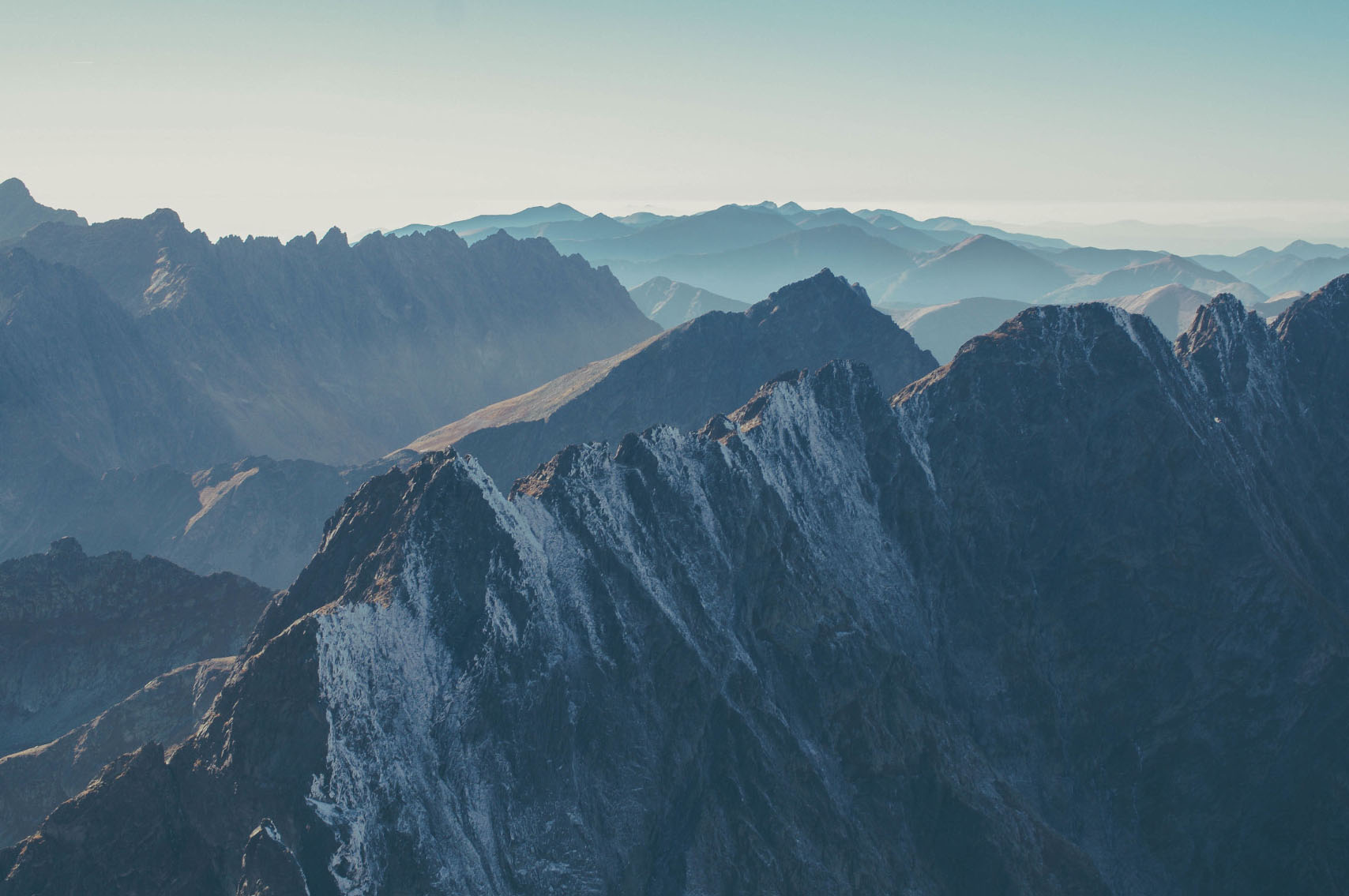
Accessibility is important — don’t forget image alt attribute

Sure, the full-wide image can be pretty big. But sometimes the image is worth it.

The above is a gallery with just two images. It’s an easier way to create visually appealing layouts, without having to deal with floats. You can also easily convert the gallery back to individual images again, by using the block switcher.

Any block can opt into these alignments. The embed block has them also, and is responsive out of the box:

You can build any block you like, static or dynamic, decorative or plain. Here’s a pullquote block:

Code is Poetry

The WordPress community

If you want to learn more about how to build additional blocks, or if you are interested in helping with the project, head over to the GitHub repository.

Help build Gutenberg

Thanks for testing Gutenberg!

👋

Filed Under: news

Reader Interactions

Leave a Reply Cancel reply

You must be logged in to post a comment.

Footer

Address:
Citadel Guardian WiFi Security
Phone:
+1 (714) 794-2803
Email:
admin@citadelcyber.ai
Our location:
  • About Us
  • Terms and Conditions
  • Privacy Policy
  • Digital Goods Refund Policy
  • Advertising Disclosure
  • Cookies Policy
  • Facebook Policy
  • CCPA – California Consumer Privacy Act

Copyright © 2026 · Genesis Sample on Genesis Framework · WordPress · Log in

  • Citadel Guardian WiFi Security
  • Mobile Security App
  • Services
  • About Us
  • News
  • Languages

This website uses cookies to improve your experience. We'll assume you're ok with this, but you can opt-out if you wish. Read More

In case of sale of your personal information, you may opt out by using the link. Do Not Sell My Personal Information

Cookie Settings
Accept Accept All
Cookies are small text files that can be used by websites to make a user's experience more efficient. The law states that we can store cookies on your device if they are strictly necessary for the operation of this site. For all other types of cookies, we need your permission. This site uses different types of cookies. Some cookies are placed by third-party services that appear on our pages.
For more information on how Google's third party cookies operate and handle your data, see: Google's Privacy Policy
  • Necessary
    Always Active
    Necessary cookies help make a website usable by enabling basic functions like page navigation and access to secure areas of the website. The website cannot function properly without these cookies.

  • Marketing
    Marketing cookies are used to track visitors across websites. The intention is to display ads that are relevant and engaging for the individual user and thereby more valuable for publishers and third party advertisers.

  • Analytics
    Analytics cookies help website owners to understand how visitors interact with websites by collecting and reporting information anonymously.

  • Preference
    Preference cookies enable a website to remember information that changes the way the website behaves or looks, like your preferred language or the region that you are in.

  • Unclassified
    Unclassified cookies are cookies that we are in the process of classifying, together with the providers of individual cookies.

Do you really wish to opt-out?

Cookie Settings
Cookies are small text files that can be used by websites to make a user's experience more efficient. The law states that we can store cookies on your device if they are strictly necessary for the operation of this site. For all other types of cookies, we need your permission. This site uses different types of cookies. Some cookies are placed by third-party services that appear on our pages.
For more information on how Google's third party cookies operate and handle your data, see: Google's Privacy Policy
  • Necessary
    Always Active
    Necessary cookies help make a website usable by enabling basic functions like page navigation and access to secure areas of the website. The website cannot function properly without these cookies.

  • Marketing
    Marketing cookies are used to track visitors across websites. The intention is to display ads that are relevant and engaging for the individual user and thereby more valuable for publishers and third party advertisers.

  • Analytics
    Analytics cookies help website owners to understand how visitors interact with websites by collecting and reporting information anonymously.

  • Preference
    Preference cookies enable a website to remember information that changes the way the website behaves or looks, like your preferred language or the region that you are in.

  • Unclassified
    Unclassified cookies are cookies that we are in the process of classifying, together with the providers of individual cookies.

Do you really wish to opt-out?

Go to mobile version