
The Wi-Fi password gets you onto a network. It tells you almost nothing about what else is there.
The hotel printer. Somebody’s laptop. A camera you recognize—or one you don’t. A device exposing a remote-access service. Most of that stays out of sight when you open your phone’s Wi-Fi settings.
Citadel VPN + WiFi Security puts that network in front of you, then gives you an encrypted way to use it. Scan. Review the findings. Connect the VPN when you need it. Built by GRYHAT Cybersecurity, it brings network discovery, security context, and WireGuard protection into one app.
And the next round of upgrades makes that experience sharper: better camera clues, more useful device names, clearer discovery alerts, and scans that hold onto what they’ve already found.
This is a preview of our latest development and testing work. The newest scanner and camera improvements described below are being prepared for release; availability can differ by platform and installed version.
Camera discovery with details you can actually use
Finding a device is only the beginning. Knowing why it looks like a camera is the useful part.
Citadel’s updated camera identification combines network names, exposed service ports, service responses, and advertised device information. Instead of turning one open port into a confident verdict, it weighs the clues together.
That means more useful distinctions between a possible camera, a likely camera, and a device with stronger camera-identification evidence. It can also distinguish camera, doorbell, and recorder signatures, and surface brands such as Reolink, Hikvision, Amcrest, Dahua, and Wyze when the device actually reports a matching signature. A reported model can make the label more specific still.
The important word is reported. Citadel does not invent a model because an IP address happens to end in a particular number. Its identification probes read bounded service metadata; they do not log into a camera or request its video stream.
For your home network, that helps you recognize your own gear. For a rental or shared workspace, it gives you a concrete device to investigate.
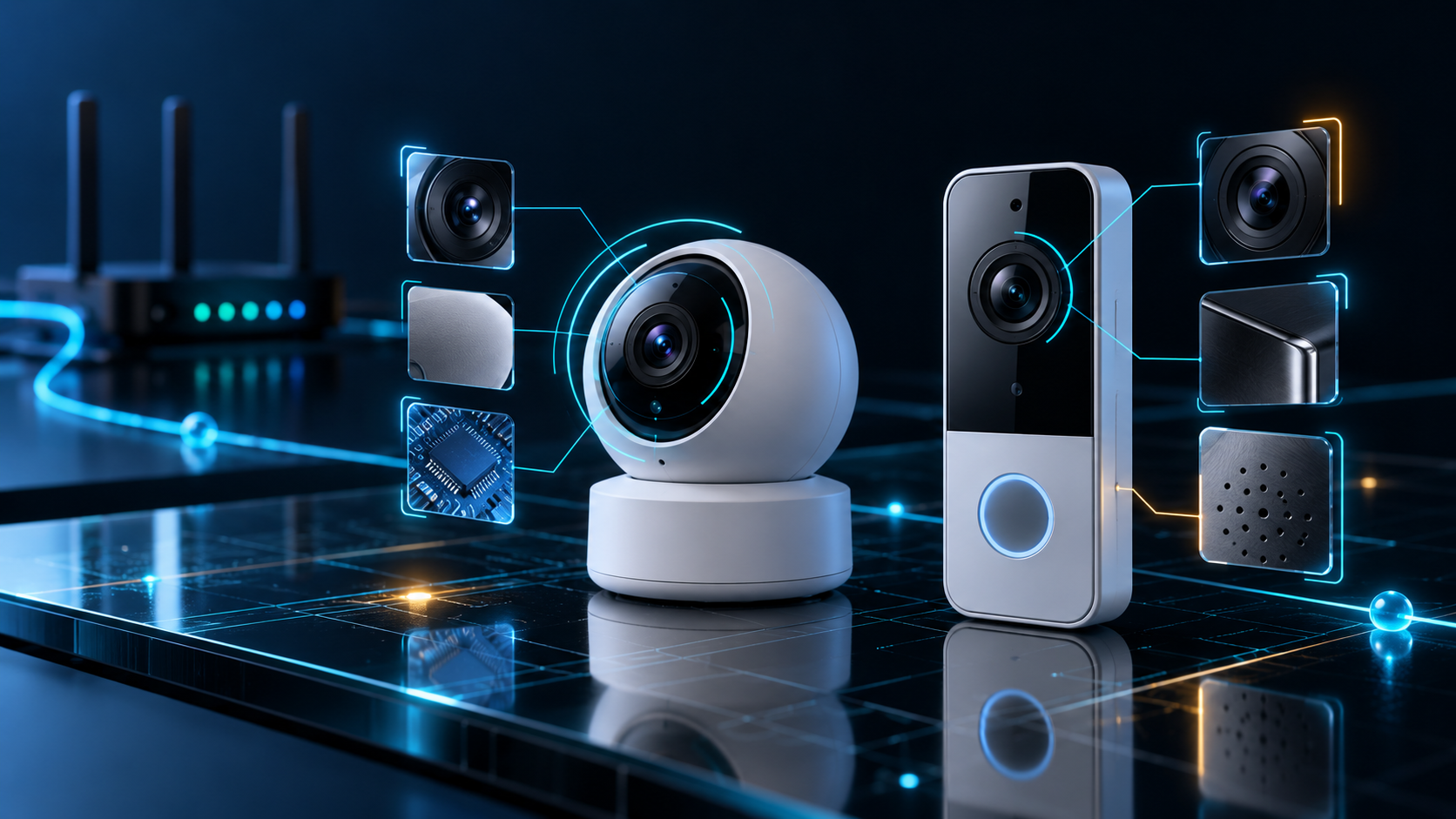
Conceptual artwork. Camera labels are evidence-based clues, not proof that a device is hidden, recording, or compromised.
A network scan can only find devices that are reachable from the network you joined. Offline cameras, cellular cameras, and devices on another or isolated network can remain outside its view. Use network discovery alongside a physical check when privacy is the concern.
Better names. A clearer device list.
“Unidentified Device” is honest when a device provides no identity. It should not be the default when useful information is available.
The latest work improves how Citadel uses the names devices and routers expose. On iOS, real Bonjour discovery helps find advertised devices and services. NetBIOS and reverse-DNS lookups add other sources of identity. Friendly service names can help make the list easier to recognize, while the underlying hostname stays available for detail.
We’ve also removed the dashboard’s three-device preview limit. The updated list shows all discovered devices and a visible total. Longer names get room to wrap, and an unknown manufacturer no longer puts a confusing “Unknown” label beneath a name that was successfully resolved.
The goal is practical: spend less time decoding a list and more time recognizing what belongs on your network.
Findings that get your attention
A security finding should be easy to notice and easy to open.
The new discovery notices give devices, camera candidates, and threat findings a more deliberate visual entrance, with animated motion and radar-style ripples. Camera discoveries receive their own treatment; threat notices reflect severity and bring you into the relevant device details.
The feedback queue prioritizes more urgent findings and suppresses duplicate notices during a scan. It also honors the phone’s Reduce Motion setting.
Underneath the visuals, Citadel presents exposed ports, service clues, risk levels, and the reasons behind a finding. A remote-access service or a security-tool signature gives you something specific to review. A finding is a reason to investigate—not automatic proof that the device’s owner is attacking you.
Scans that build the picture instead of losing it
A deeper scan should add detail to a device, not make its name disappear.
The updated discovery pipeline retains verified reachable hosts even when their common TCP ports are closed or detail enrichment fails. Follow-up scans preserve observed names, ports, and service evidence as new information arrives.
We’ve tightened cancellation and restart behavior, repaired a naming lookup that could stall, and given simultaneous connection checks clearer limits. The iOS work also addresses a connection-cleanup failure identified in a TestFlight crash.
These changes have passed automated scanner tests, an iOS simulator build, and native connection stress checks. Testing on real Wi-Fi networks remains part of release work.
The payoff for you is straightforward: useful results appear during discovery, identities survive the follow-up pass, and the app handles the work with more control.
See the network. Then secure your connection.
Citadel brings two complementary tools together.
The scanner helps you inspect reachable devices and exposed services. The built-in VPN encrypts traffic between your device and the VPN server using WireGuard with ChaCha20-Poly1305.
That pairing matters in a hotel, airport, café, or shared office. You can review the network around you and protect your connection without switching apps. VPN encryption does not remove other devices from the Wi-Fi or make suspicious hardware disappear; it protects a different part of the journey.
Citadel also includes an interactive network map, device details, scan history, and controls for marking devices you recognize as trusted. Those tools make the findings easier to explore over time. Spanish language support helps more people use the app’s core screens in the language they prefer.

Conceptual artwork illustrating network visibility and encrypted VPN transport.
A sharper Citadel, built for the networks you actually use
More useful names. Camera clues with evidence. Findings you can act on. A complete discovered-device list. An encrypted tunnel when you need one.
Your network should not be a black box. That is the direction of this update: give you more information about the connection in front of you and make the next step easier to take.
Secure every connection. Protect what matters.
Explore Citadel VPN + WiFi Security, download the current app for iPhone and iPad or Android, and follow Citadel Intel for release updates. Plans and feature access are shown in the app and may vary by platform.
— GRYHAT Cybersecurity

